Consumed by saturdayxiii
other hubs:  Patterns Photos
Oct 19, 2017 • Less than a minute read

Bronze Age Sega Genesis

 Bronze Age Sega Genesis

Bronze age. #segagenesis #consolemod #casemod #videogames (at Edmonton, Alberta)

source: https://saturdayxiii.tumblr.com/post/166588381829

 Read →

Oct 18, 2017 • Less than a minute read

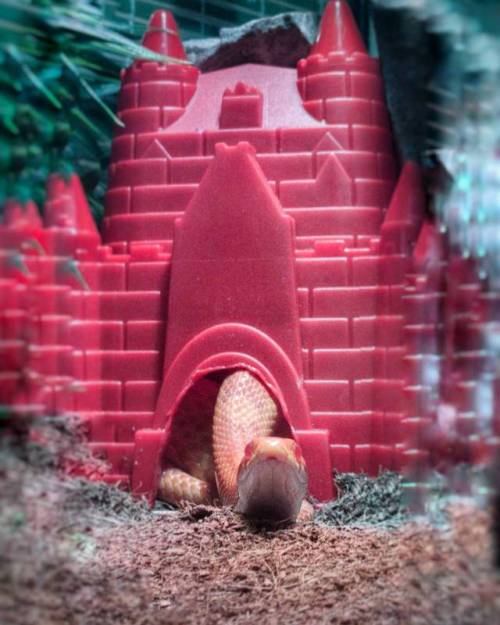
When You're a Muu

 When You're a Muu

When you’re a muu, you can have a castle too. O . O #pets #cornsnake (at Edmonton, Alberta)

source: https://saturdayxiii.tumblr.com/post/166546368264

 Read →

Oct 17, 2017 • Less than a minute read

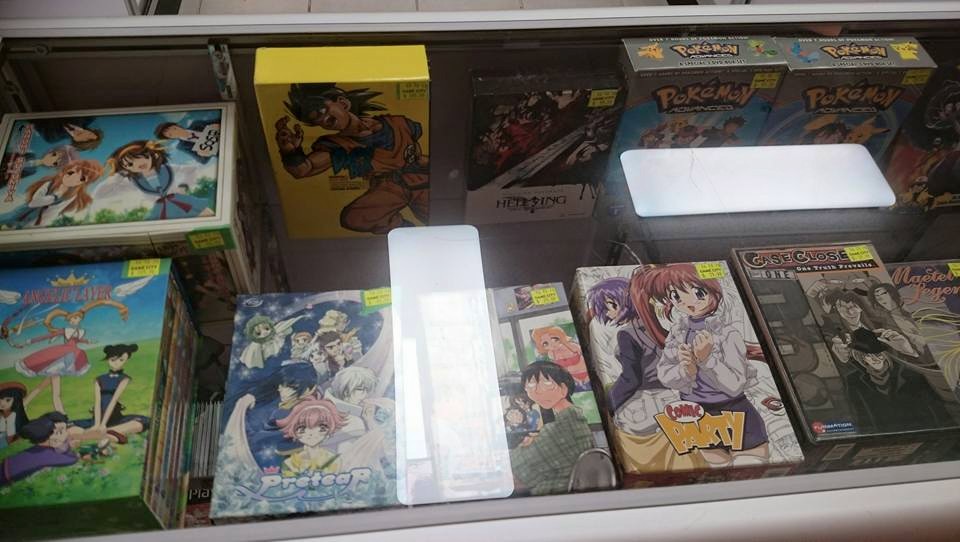
Anime Boxsets

 Anime Boxsets

I finally sold off the majority of my anime collection. But now that I see them on a shelf with price stickers I want to buy them all back.

 Read →

Oct 10, 2017 • 5 min read

Vector illustration apps

                ### Pramble:</h2>I decided to treat myself and upgrade my laptop/drawing tablet combo.  I’ve found lots of comprehensive reviews for hardware and software and have happily purchased a Samsung Galaxy Tab S3.  While it will take a good long while of actually using the tablet to determine how well it can replace my old laptop, I am very optimistic.  I’ve found lots of recommendations for drawing and photo apps, but something I haven’t been coming across is apps for working with vector art.  So I’m going to compose a non-comprehensive list of the apps that look useful to me and will report what apps I stick with.

As I stated, I have a Samsung Galaxy Tab S3, the SM-T820 something something, running stock Nougat 7.0.  The double edge sword of running android is that the OS and the apps change so quickly, so if you find this list somewhere at sometime, you should know that nothing is guaranteed.  Part of how I will grade apps is by how recently they were updated in the app store.  So even my opinions are related to this time in October 2017.

Here’s what I’m looking for in a vector app:

The trial candidates:

How’d they do? ###Adobe Illustrator I knew [Adobe Illustrator Draw](https://play.google.com/store/apps/details?id=com.adobe.creativeapps.draw) was out of the question for me before I started. I'm hesitant to buy cheap apps let alone subscribe to an expensive one. That said, the pen tools are solid. It might be worth coming back to this for sketching, exporting to png, then using bucket fill to vectorize in another app. That's probably unnecessary though. It's possible that this isn't even a vector app. I can't tell for sure without getting Creative Cloud. **Last updated?**  A week ago. **Reviews? Engagable developer?**  Reviews are mostly positive, and of course Adobe doesn't engage the little people. **Ads?**  No **SVG Import/Export?**  Only if you export to desktop via Adobe's Creative Cloud… presumably. **Freehand drawing?** Fantastic, as to be expected. **Brushes?** 5 in the free version plus… French Curves? **Point Editing?** Basic options. **Measuring?** None. **Object alignment?** Yes! **Text editing?** Gimp/Inkscape Amazing.This is [Gimp and Inkscape](https://play.google.com/store/apps/details?id=org.gimp.inkscape). It's all there! What more could you need? Oh, wait, it's super slow and doesn't save. Maybe there's a work around, but the Dev stopped working on the app in 2015. Without any sign of life it might be best to leave this app where it lies. Vector Paint [Vector Paint](http://vectorpaint.yaks.co.nz) is a web app.  It’s actually pretty cool.  It might work if in a pinch, but if I’m in a pinch I probably won’t have the required wifi access. It's also missing some vital features. **Last updated?**  Looks like 2014 **Reviews? Engagable developer?**  Developer's Google Plus page hasn't had updates since 2014. I'm not hunting for reviews. **Ads?**  None! **SVG Import/Export?**  Yes! **Freehand drawing?** Seems terriblely chunky at first, but lines can be smoothed out and it seems to follow the brush closely. **Brushes?** No options. **Point Editing?** Basic options. **Measuring?** None. **Object alignment?** Yes! **Text editing?** Downloadable. I don't really want to mess with it because the basic text jumps lines everytime I tap on it. Ivy Draw [Ivy Draw](https://play.google.com/store/apps/details?id=com.shoebillsoftware.vectordraw)… **Last updated?**  9 months ago. **Reviews? Engagable developer?**  Reviews are decent, and the developer does comment here and there. **Ads?**  Yes 。・゚ヾ(✦థ ェ థ)ノ。゚・。 **SVG Import/Export?**  In paid version. **Freehand drawing?** It works. **Brushes?** None. **Point Editing?** Good! maybe even great! **Measuring?** Yes! The canvas has actual inches and centimetres. Grids, Snap-to, and object transformation needs to be paid for though. **Object alignment?** Yes! **Text editing?** Decent! Seems to have some good options. Graphic Designer ["Your" Graphic Designer](https://play.google.com/store/apps/details?id=com.ulm.designer) seems to have everything… except a paint bucket, but maybe I should let that hope die. Unfortunately as soon as you put the pen down to the tablet, you know that there's a reason for that low review score. The canvas moves as you draw. The developer says there's a button for locking the canvas in place, but for me the button turns off my pen tool while still moving the canvas. The app was updated back in March, so maybe the developer is still active? **Last updated?**  9 months ago. **Reviews? Engagable developer?**  Poor reviews. Developer acknowledged specific user issues in app description. **Ads?**  A hidden link for the just as broken paid version. **SVG Import/Export?**  Yes! Working? dunno. **Features:**  Getting your hopes up. Inker [Inker](https://play.google.com/store/apps/details?id=co.inker) … **Last updated?**  6 months ago. **Reviews? Engagable developer?**  Reviews are mixed, but positive, and the developer does address peoples comments! **Ads?**  No **SVG Import/Export?**  In paid version. **Freehand drawing?** Decent. Curves are nice, but shape adjusts itself pretty dramatically. Outline color is hidden by default. **Brushes?** There's a blanked out option. Future feature? **Point Editing?** Great! Lots of features for shaping your lines. **Measuring?** There's options to set canvas size and snap distance, but only in pixels. **Object alignment?** Not seeing any. **Text editing?** Basic. Skedio [Skedio](https://play.google.com/store/apps/details?id=com.shturmsoft.skedio&hl=en). Dang. This one's close. Finally something that lets me edit vector points, but am I missing something? Is there no fill option, only outlining? Odd. **Last updated?**  10 months ago. **Reviews? Engagable developer?**  Good reviews. No sign of a developer presence. **Ads?**  No **SVG Import/Export?**  If paid for. **Freehand drawing?** Feels great! Curves are smooth and accurate. **Brushes?** No shapes, but there is width, pressure changes, and dashed line options. **Point Editing?** Good. It has basic move, add, remove options. Or erase straight through everything! **Measuring?** None. **Object alignment?** Don't think so. Though there is an angular button in the corner that I can't figure out what it does. **Text editing?** Basic. source: [https://saturdayxiii.tumblr.com/post/166264844829](https://saturdayxiii.tumblr.com/post/166264844829)

 Read →

Oct 4, 2017 • Less than a minute read

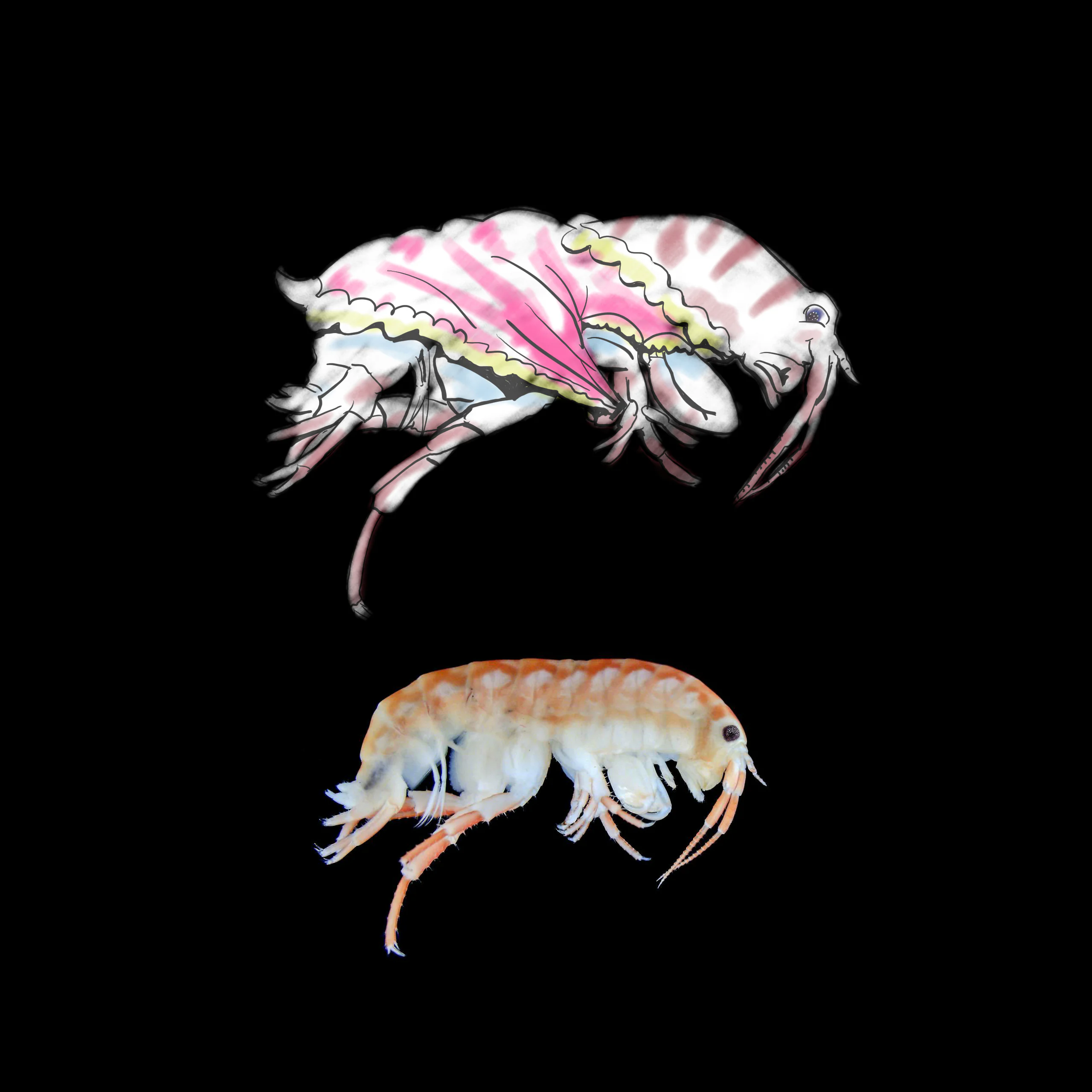
Thoughts

 Thoughts

Thoughts?

http://acryptozoo.tumblr.com/post/163647622875/mexorchestia-carpenteri-carpenteri-wakulla-county ) source: https://saturdayxiii.tumblr.com/post/166054332554

 Read →